EaseUS Todo Backup Home Edition 2025 PC (1 Year / 1 Device)
EaseUS Todo Backup Home Edition 2025 for PC backup-løsning med automatisk sikring. Vern mot datakrim med effektiv og sikker backup og gjenoppretting for ett år.
Dette er en samlepakke som inkluderer flere produkter eller utvidelser. Se beskrivelsen for nøyaktig innhold.
Om spillet
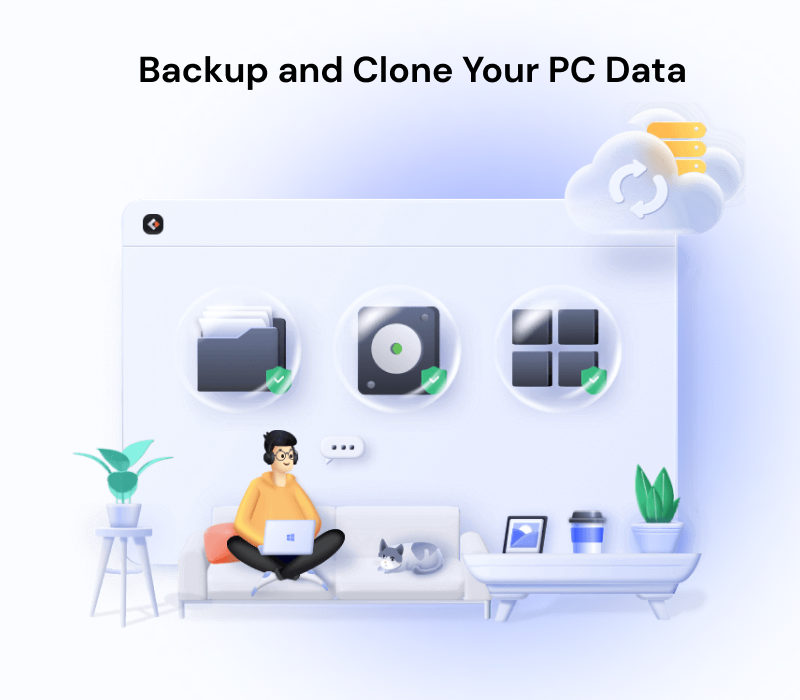
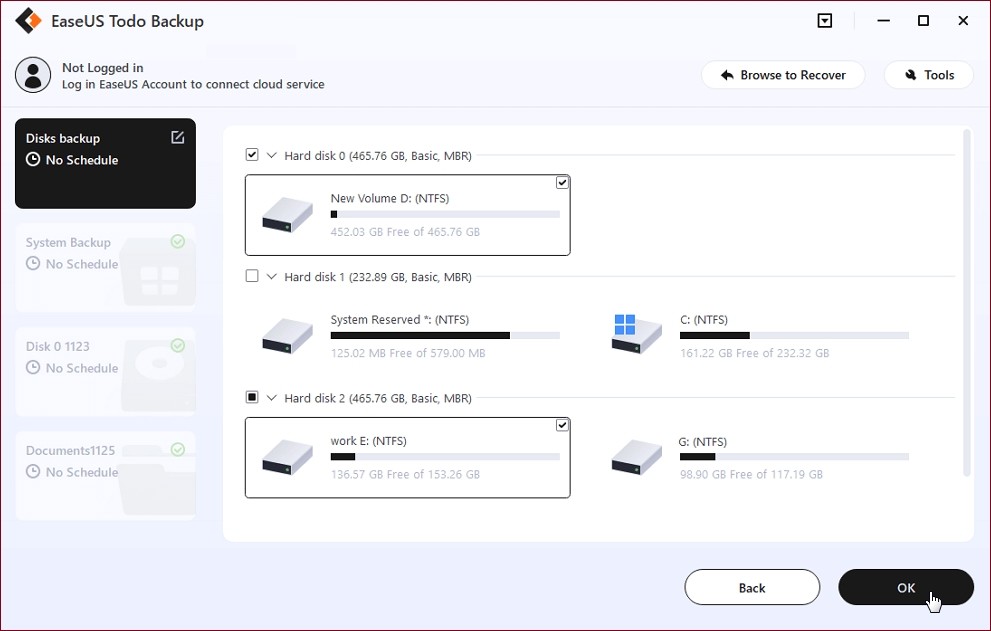
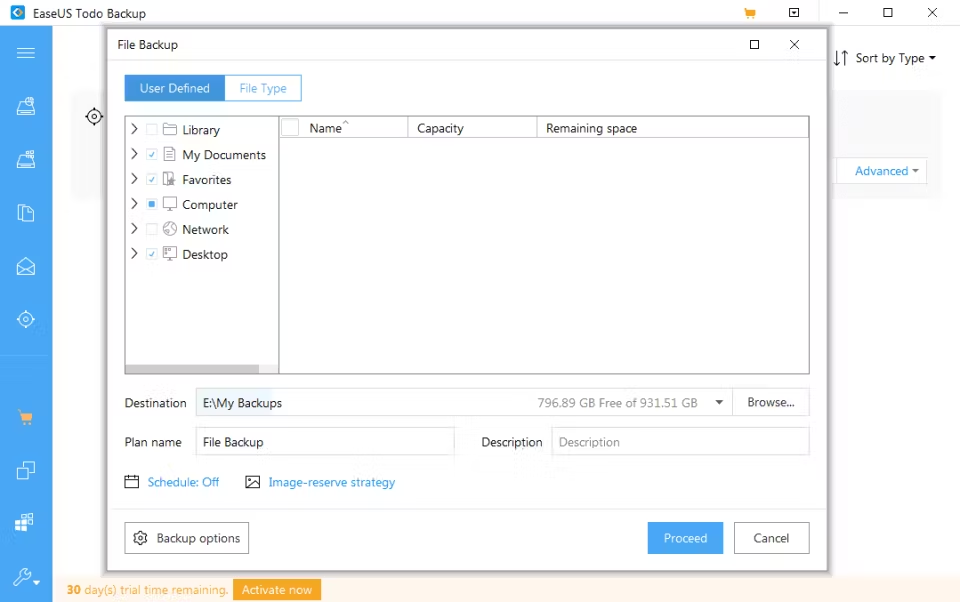
Award-winning Backup Solutions to Realize All-round Protection Efficient & Secure Backup and Recovery Data loss can happen at any time caused by computer malfunction or virus. EaseUS Todo Backup makes it a snap to keep your system's complete image file backup or critical file backup. Make sure your data is protected all the time. Disk/Partition Backup and RecoveryBack up all data and settings of a partition or all partitions(disk) to get absolute peace of mind when data is corrupted. System Backup and RecoveryBackup systems, boot partitions and program files to have an easy, efficient, and secure way to restore your system. Files Backup and RecoveryBack up files on separate partitions on local drives or back up to external storage devices for full-scale protection. Multi-path, Cloud Storage ProvidedBackup to network shared location, USB Drive or different Clouds. EaseUS also provides an economic cloud backup service for a limited budget. Reliable Hard Disk Drive Cloning Tool Clone a hard drive with EaseUS Todo Backup makes an exact copy of any disk or partition. It can be used for backups, PC upgrades or disk duplication purposes. When the computer fails, the cloned drive can be used to replace the old one and resume system operation immediately. System CloneWhenever you want to Migrate/Move OS to SSD, Upgrade to a larger disk, Todo Backup can clone OS and all the boot-related partitions or files to make sure it's bootable. Disk CloneClone hard drive to SSD or create a bootable USB or CD/DVD drive. You can escape from the tedious work of transferring data and programs to the new drive. Clone OptionsIt is supported to clone a smaller drive to a large one and vice versa. Clone an active Windows system directly to a new drive. What Makes Todo Backup Stand from The Crowd WinPE Bootable DiskIt allows users to create an emergency USB disk or CD/DVD. It is indispensable when Windows system fails to boot. Security Zone BackupStore backup files to a created security zone. It is an inaccessible partition so malware or ransomware cannot affect it. Hot BackupPerform the backup while the system is running normally, even if the data you want to back up is being read or edited. Intelligent BackupBack up the used sector of file systems only. It will reduce the size of the image file and backup time. Mount/UnmountMount backup image to extract individual files. Recovery EnvironmentEasily perform system backup restore or other backup restore operations when the system crashes. Offsite CopyBack up your data to the target location, and it will automatically make a copy to your FTP, which will provide an extra layer of insurance for your backup image. E-mail NotificationThis function can be used to send a report of the execution result to an email address you provide.
Bilder og video
Vanlige spørsmål
Fungerer i Norge og EU/EØS
Aktiveres på en konto registrert i Norge, EU eller EØS-land. Works in Norway and the EU/EEA region.
Aktiveringsguide Norsk guide ✓
PC · 5 trinn
- Åpne Steam og logg inn på kontoen din
- Velg «Spill» → «Aktiver et produkt på Steam» og lim inn nøkkelen
- Last ned spillet fra biblioteket og spill